Field Worker App: Mobile Experience

Overview
Role: Product Designer
Timeline: 6 Weeks
Platform: Mobile Application
Problem
Field workers often manage tasks in fast-paced environments where accessing information quickly is critical. Existing workflows relied heavily on manual updates, fragmented communication, and multiple tools, making it difficult for workers to stay aligned with assigned tasks throughout the day.
As a result:
Important task information was difficult to access quickly
Status updates were inconsistent
Communication gaps slowed operations
Workers spent unnecessary time navigating between screens
Goal
Design a mobile-first experience that helps field workers efficiently manage daily tasks, track progress, and receive critical information while minimizing friction in the workflow.
The primary objective was to create an experience that remains simple, accessible, and efficient even in high-pressure working environments.
Research & Insights
To better understand field operations, I analyzed workforce management products, task management workflows, and mobile experiences designed for operational teams.
Several patterns emerged:
Workers prioritize speed over feature depth
Most interactions happen while multitasking
Information must be easily scannable
Task status and next actions need to be immediately visible
Excessive navigation increases frustration and delays
These insights helped shape a workflow centered around clarity and efficiency.
Design Challenge
The main challenge was balancing operational complexity with a simple mobile experience.
Field workers require access to large amounts of information, but presenting everything at once increases cognitive load and slows task completion.
The design needed to:
Surface critical information first
Reduce unnecessary interactions
Improve visibility of task progress
Support fast decision-making in the field
Design Process
I mapped the end-to-end worker journey to identify points where users experienced delays, confusion, or unnecessary effort.
The process included:
User flow mapping
Information architecture planning
Wireframe exploration
Interaction design
High-fidelity prototyping
Multiple layout explorations were tested to determine the most efficient way to prioritize tasks, updates, and actions.
Solution
The final design introduces a streamlined task management experience tailored for field operations.
Prioritized Task Visibility
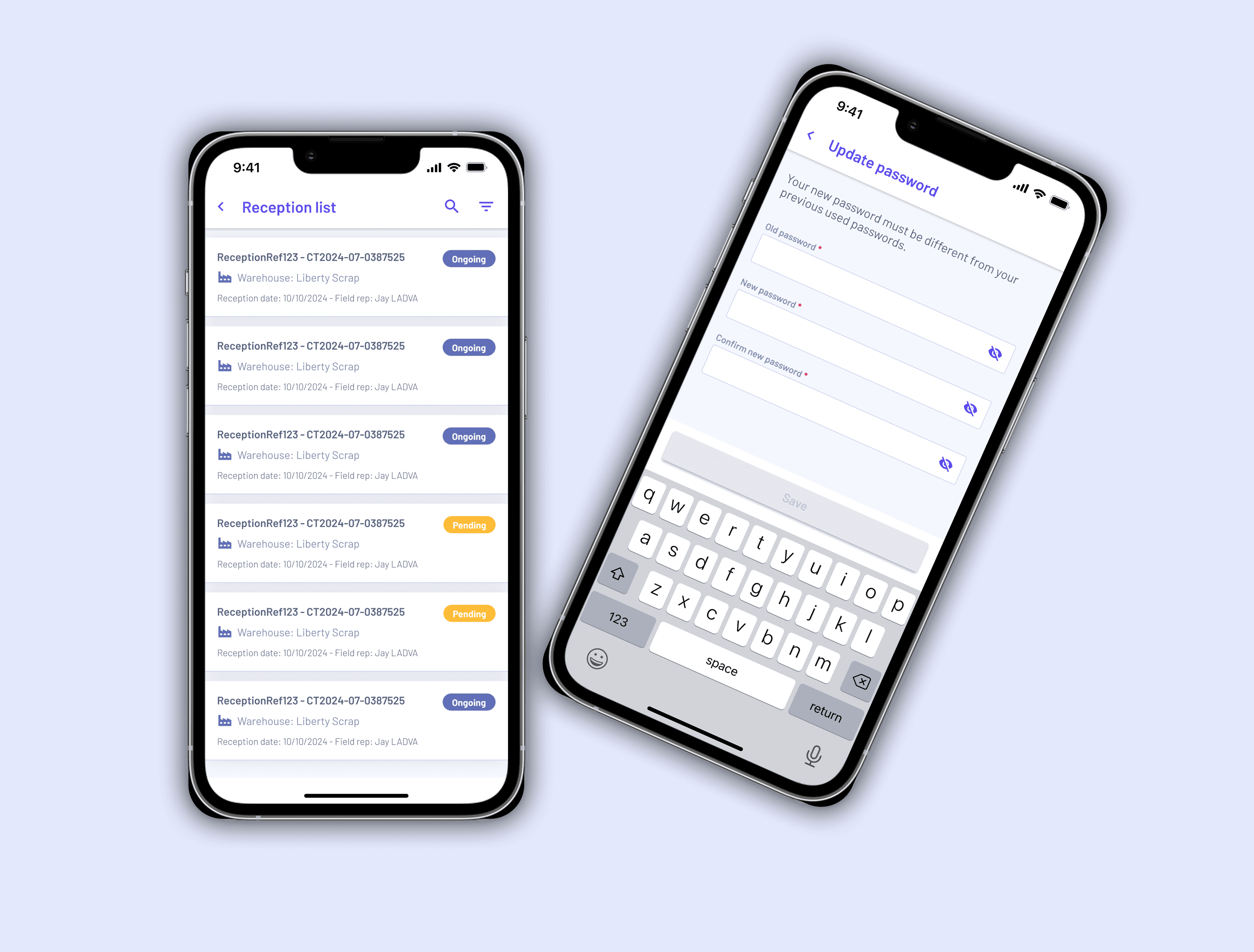
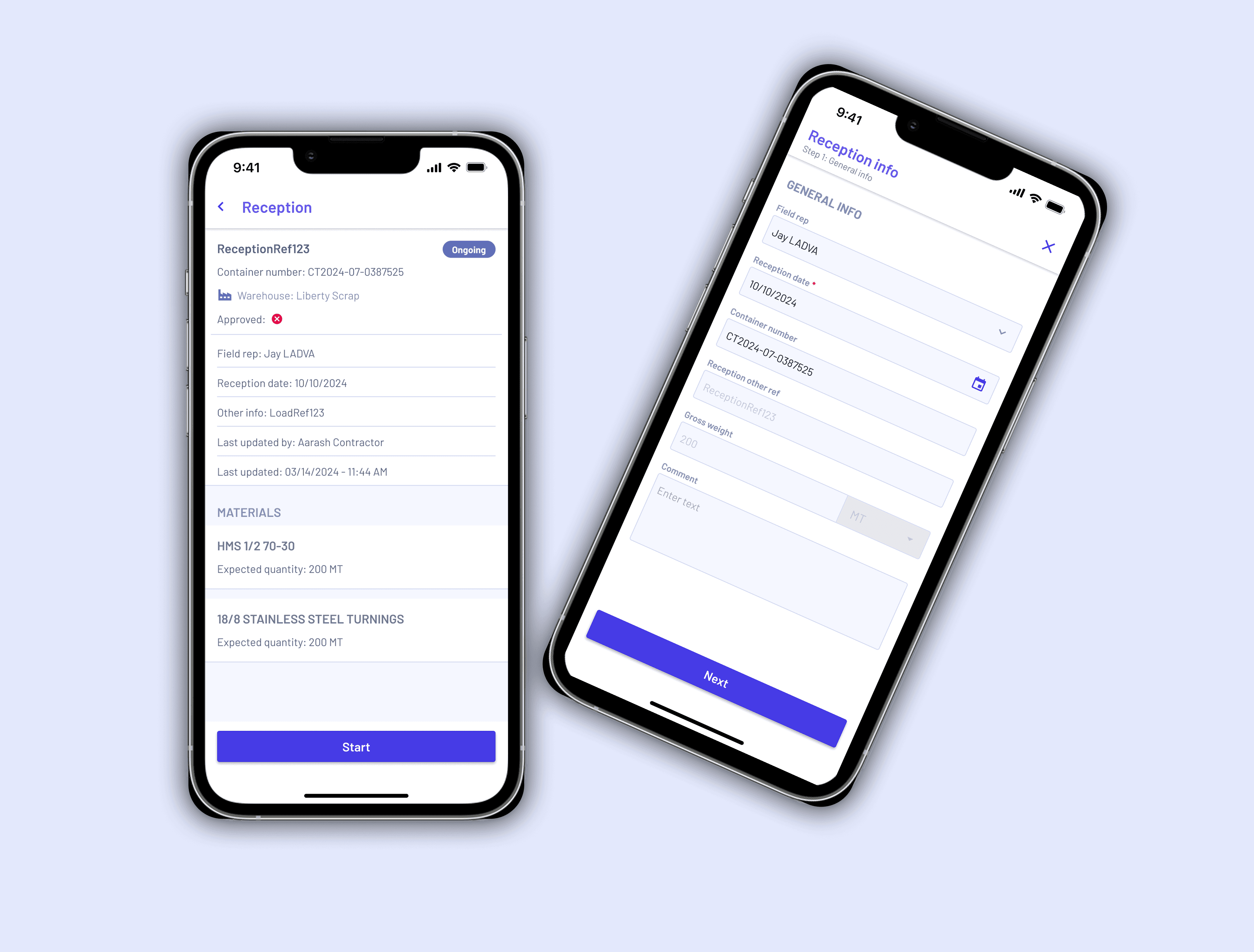
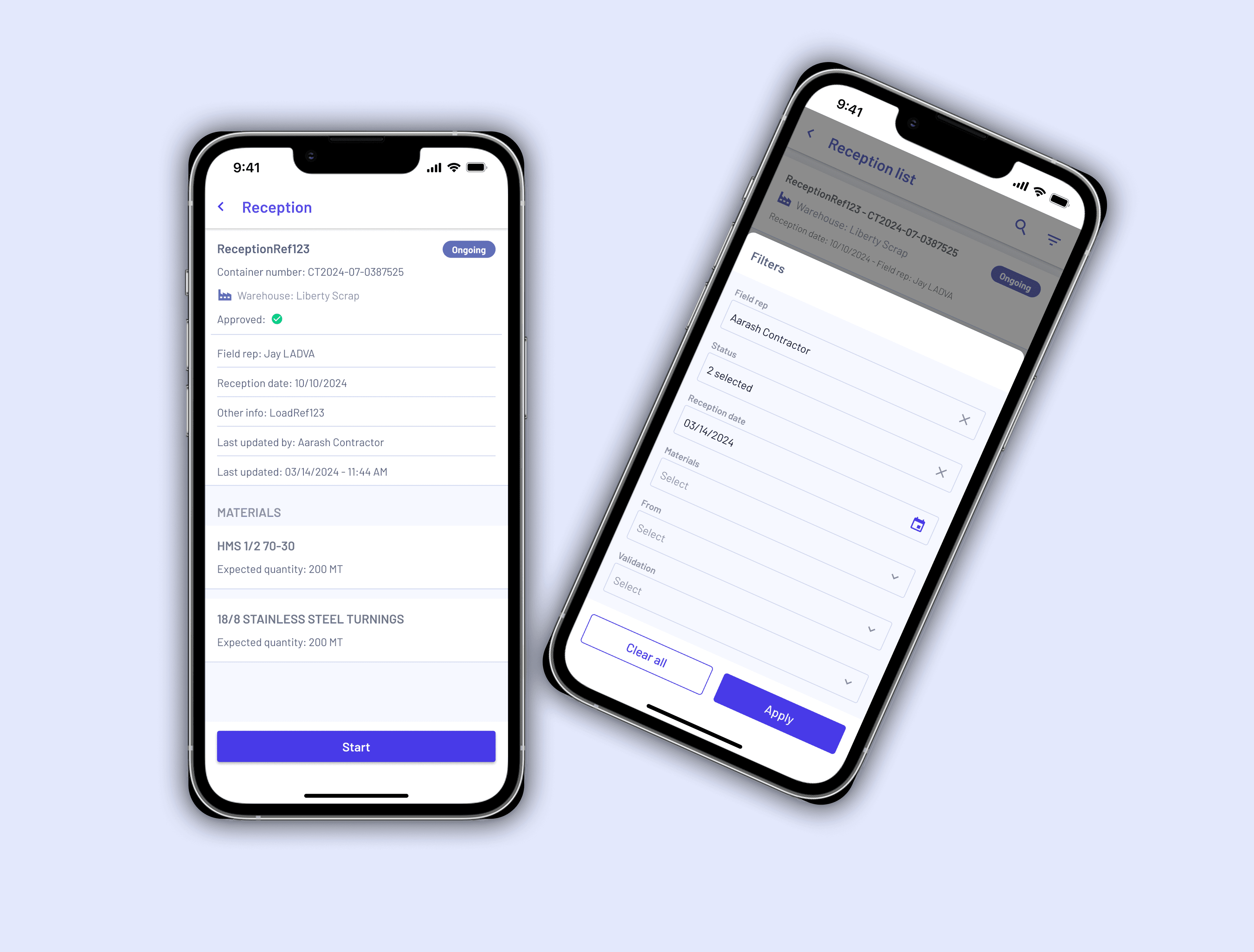
Workers can immediately view assigned tasks, progress status, and upcoming responsibilities from a single dashboard.
Simplified Navigation
Navigation was structured around the most frequent worker actions, reducing the number of steps required to complete tasks.
Clear Progress Tracking
Visual indicators help workers understand task status at a glance, improving accountability and reducing uncertainty.
Action-Oriented Interface
Important actions such as updating status, viewing details, or completing tasks remain easily accessible throughout the workflow.
Mobile-First Design
The experience was optimized for on-the-go usage, ensuring usability in real-world working conditions.
Outcome
The redesigned experience improves operational clarity by helping workers focus on the information and actions that matter most.
The solution aims to:
Reduce time spent navigating the application
Improve task visibility
Increase workflow efficiency
Support faster task completion
Create a more intuitive field experience
Reflection
One area I would explore further is offline functionality and real-time synchronization for environments with limited network connectivity.
Future iterations could also include location-based task updates, team coordination features, and predictive task prioritization to further improve operational efficiency.